Tucked away in an attic, a shoebox holds a fragile connection to the past. Inside, a faded photograph of a young soldier, his uniform crisp, his expression a mix of determination and uncertainty. A letter home, the ink slightly smudged, filled with words of hope and longing. These are not just artifacts; they are your family’s story, a direct link to the generation that lived through the Great War.
As Armistice Day approaches, the desire to honor these memories grows stronger. But how do you preserve these delicate items for the future? The answer lies in bringing them from the shoebox to the screen. Digitizing your WWI memorabilia protects it from physical decay and allows you to share these precious stories with relatives across the globe, all while keeping the originals safe.
Let me walk you through the simple steps to give your family’s history a new, digital life.
The Gentle Capture – Digitizing Your Originals
The first step is to create a high-quality digital copy. Your smartphone camera is more than capable for this task!
- For Photographs & Documents: Lay the item on a flat, well-lit surface. Avoid direct sunlight to prevent glare. Take the picture from directly above to avoid distortion. A simple, neutral background (like a white sheet of paper) works best.
- For Medals & Textiles: Use a plain, contrasting background. Capture the item from multiple angles to show all the details.
The goal here is to get the clearest, cleanest starting point. Don’t worry about tears, folds, or spots—we can address those next.
The Digital Restoration – Bringing the Past into Focus with upscaling and photo enhancement
This is where the magic happens. Your captured images are the raw material, and with a few simple techniques, you can restore them to their former glory.
- Cropping & Straightening: The first step is to clean up the image. Crop out any distracting backgrounds from your photo shoot and straighten any skewed angles.
- Upscaling & Sharpening: Old photos, especially small ones, can be low-resolution. Upscaling intelligently increases the number of pixels in the image, making it larger and more suitable for printing or viewing on modern screens. Following this with gentle sharpening can help define details like the buttons on a uniform or the lines in a soldier’s face, making the image feel more immediate and real. You can use AI enhancers like Topaz, Remini and Adobe photoshop.
- Spot Cleaning & Color Correction: Over time, photos develop spots, scratches, and a yellowing tint. Digital tools allow you to carefully “paint out” these flaws. You can also adjust the contrast and brightness, and even add a subtle sepia tone to enhance the historical feel.
Resizing for Sharing & Printing
Once your image is restored, you need to adapt it for its purpose.
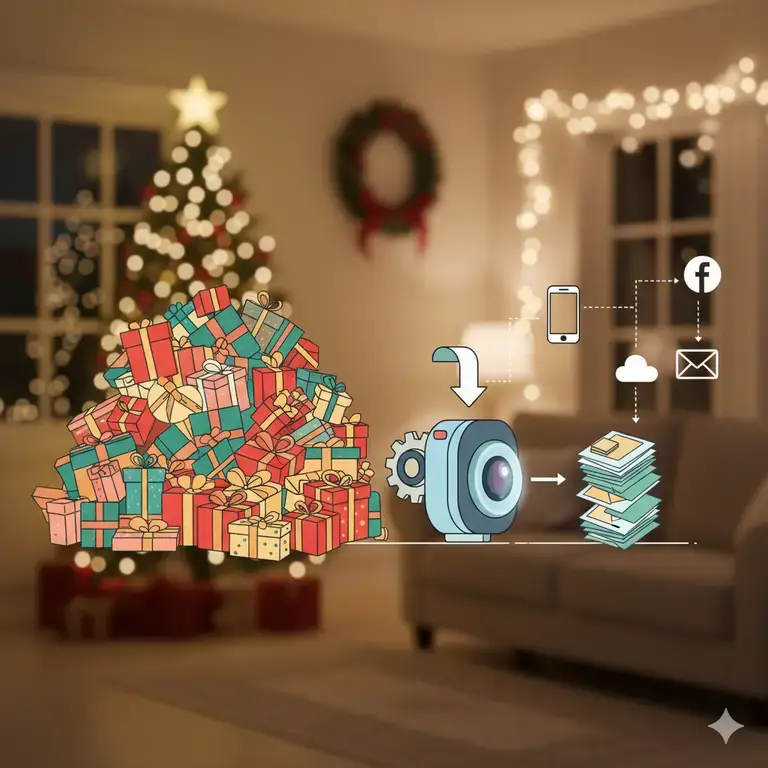
- For Email & Family WhatsApp Groups: A massive, high-resolution file will be difficult to send and slow to load. Resizing the image to a standard dimension (like 8×10 inches) and compressing it ensures it can be easily shared without clogging inboxes.
- For Printing & Framing: Want a crisp copy for your wall? You’ll need to resize the image to a specific print size (like 4×6 or 8×10) at a high resolution (300 DPI) to ensure it looks sharp and not pixelated when printed.
- For Online Family Trees: Websites like ancestry.com have specific image requirements. Resizing your photos to fit these guidelines makes uploading seamless.
Why a Web Application is the Perfect Tool for This Private Task
When dealing with sensitive family memories, privacy is paramount. The thought of uploading precious images to unknown servers can be worrying.
This is where the benefit of a dedicated remote web application shines. Unlike complex desktop software that requires installation and technical know-how, a web app is:
- Simple & Accessible: There’s nothing to download or install. You can do everything directly from your web browser.
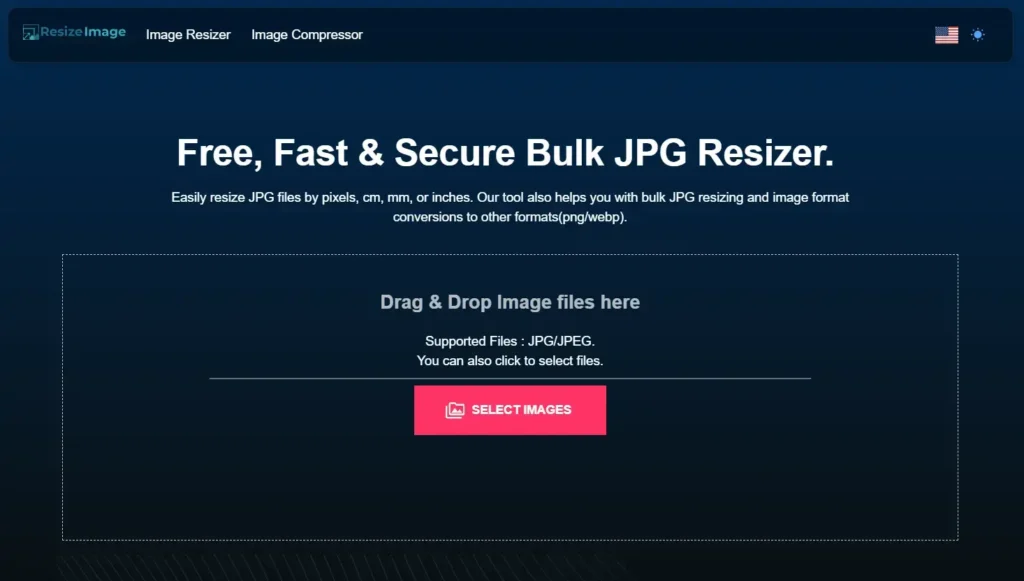
- Private & Secure: Your photos are processed and nothing else. They are not stored, used for data mining, or added to a public database. The process is a one-time transaction between you and the tool—you upload, it processes, you download. Your family’s memories remain yours alone.
- Powerful: It consolidates all the steps—resizing, upscaling, sharpening, and converting—into one easy-to-use platform.
Your Action Plan: Preserve a Memory This Armistice Day
- Choose One Item: Start small. Find one photograph or letter of your grandfather or grand mum that speaks to you.
- Capture It: Use your phone to take the clearest photo possible.
- Restore & Resize: Use an online tool to crop, upscale, and sharpen the image. Remove any major spots or scratches.
- Share the Story: Send the restored image to a relative. Frame the printed copy. Add it to your digital family archive.
This Armistice Day, go beyond the moment of silence. Take a tangible step to ensure the stories of courage and sacrifice in your own family are not forgotten. Give that young soldier in the photograph a permanent place on your screen, and in your heart.