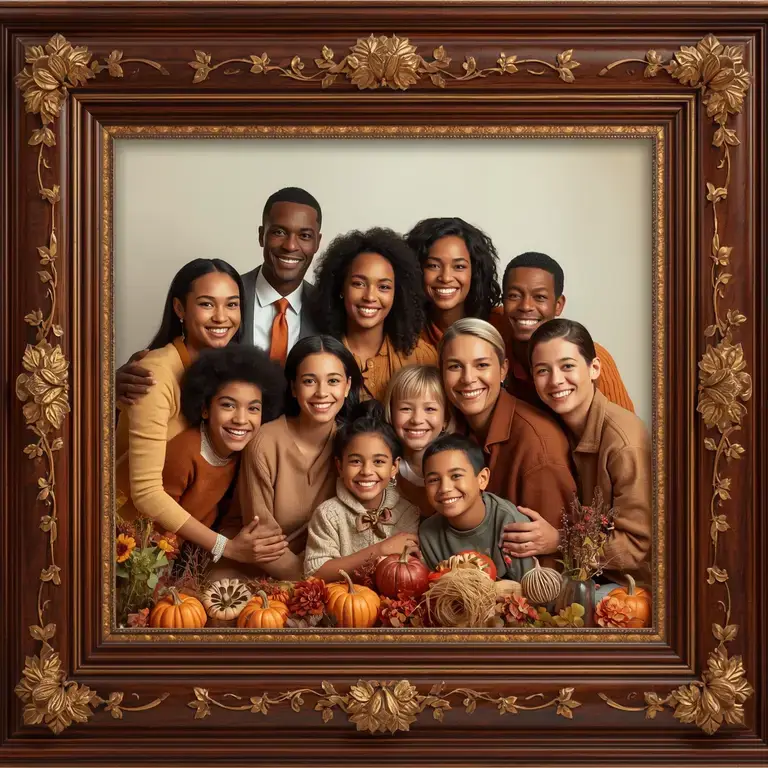
There’s nothing quite like a Thanksgiving gathering. After the feast settles, the real magic often happens when everyone squeezes together for the annual family photo. You’ve captured the perfect shot—everyone is (mostly) smiling, and the chaos is beautifully frozen in time. Now, the goal is to turn that digital file into a stunning physical print you can frame and cherish for years.
But going from a phone or camera to a high-quality print can be tricky. Why does the print look blurry? Why is part of Uncle Joe cut off? This guide will walk you through the essential steps to optimize your large group photos for flawless printing and framing.
Step 1: Start with the Highest Quality Possible
Before you even think about printing, make sure you’re working with the best original file.
- Check the Resolution: Resolution is measured in PPI (Pixels Per Inch). For a sharp print, you need a high PPI. Aim for a minimum of 300 PPI at your desired print size. This is the gold standard for photo-quality prints.
- Shoot in RAW (If Possible): If you used a DSLR or mirrorless camera, shooting in RAW format gives you the most data to work with when editing.
- Avoid Digital Zoom: Photos taken with digital zoom are often lower resolution and will pixelate when printed. It’s always better to get closer physically or crop the photo later.
Step 2: Edit for Print Perfection
Screens and paper render images differently. A photo that looks bright on your phone might look dark and muted in print.
- Brightness & Contrast: Gently increase the brightness and contrast. Prints often appear slightly darker than on a backlit screen.
- Sharpening: Apply a subtle amount of sharpening after you’ve resized the image to its final print dimensions. This helps define edges and makes the photo look crisp.
- Color Correction: Adjust the white balance to ensure skin tones look natural and the colors are true to life.
Step 3: The Most Important Step: Cropping & Resizing for Your Frame
This is where most people run into trouble. You can’t just send any photo to a printer and expect it to fit a standard frame. You must crop and resize your image to match the exact aspect ratio of your frame.
- What is Aspect Ratio? It’s the proportional relationship between an image’s width and height. For example, an 8×10 inch print has an aspect ratio of 4:5, while a 4×6 inch print has a ratio of 2:3.
- The Problem: If your photo has a different aspect ratio than your frame, the printer will automatically crop out parts of your image. You might end up with someone’s head or arm cut off!
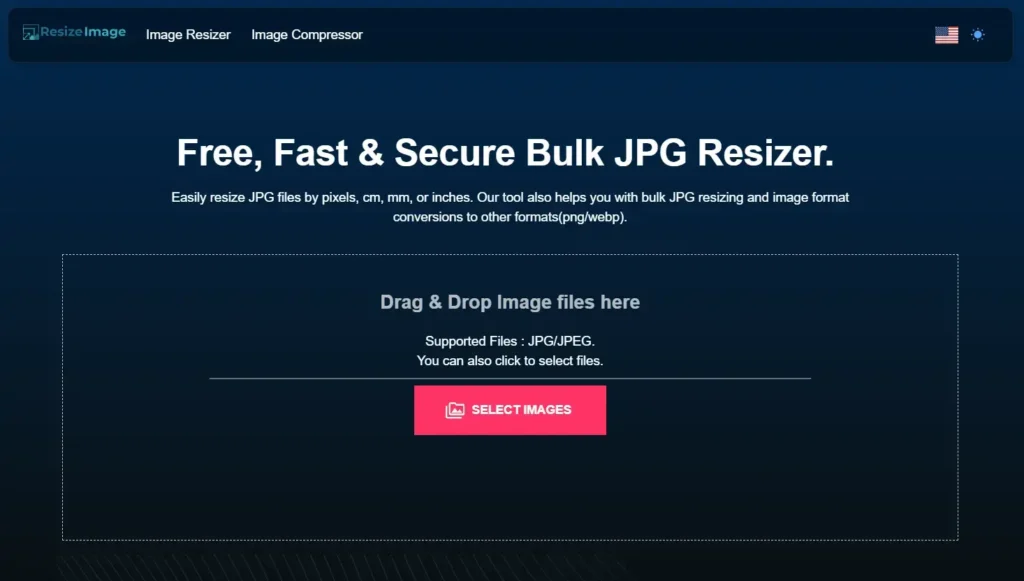
The Solution: Use a dedicated tool to resize and crop your photo to the exact print size before you send it to the printer. This gives you full control over the final composition.
For instance, you can use our free, easy-to-use tools to get your photo print-ready in seconds:
- Need a classic portrait for a frame on the mantel? Use our 8×10 Inch Image Resizer to get the perfect crop.
- Want to make a bold statement with a large format print? Prepare your photo for a poster-sized 18×24 Inch Print.
- Even smaller needs are covered, like creating a perfect 2×2 Inch Passport Photo from your group shot for holiday travel visas.
Step 4: Choose the Right Paper and Printer
The final look of your photo is heavily influenced by the paper it’s printed on.
- Matte Paper: Excellent for black-and-white photos or images with fine details. It doesn’t reflect glare, making it easy to view from any angle.
- Glossy Paper: Delivers vibrant colors and deep contrasts. It’s a classic choice for family photos but can be prone to fingerprints and glare.
- Professional Lab vs. Home Printer: For large or important prints, using a professional online or local print lab is often better. They use higher-quality inks and papers that are designed to last for decades without fading.
Step 5: Frame Your Masterpiece
Choose a frame that complements both the photo and your home’s decor.
- Use a Mat: A mat (the cardboard border inside the frame) protects the photo from touching the glass and adds a professional, polished look. It also helps draw the eye into the image.
- Consider UV-Protective Glass: To prevent your precious memory from fading over time, especially if it will be hung in a sunny spot.
Your Quick-Check Print Preparation List:
- Resolution Check: Is the image at least 300 PPI at your desired print size?
- Edited for Print: Are the brightness, contrast, and colors optimized?
- Cropped to Frame Size: Have you used a tool to resize the image to the exact aspect ratio of your frame? (Pro Tip: Our 8×10 Inch Resizer is our most popular tool for a reason!))
- Saved Correctly: Save your final image as a high-quality JPEG or, for professional labs, a TIFF file.
Conclusion: From Pixel to Perfection
That beautiful Thanksgiving group photo deserves more than to be lost in your camera roll. By following these steps—especially the crucial step of resizing your image to the correct print dimensions—you can ensure the final product is a sharp, vibrant, and perfectly composed keepsake. A little preparation goes a long way in transforming a digital moment into a timeless piece of family history.
Ready to get your photos print-ready? Choose your frame size and use our tools to optimize your images in just a few clicks!