The countdown is on! Black Friday and Cyber Monday (BFCM) are the Super Bowl of e-commerce, and your visuals are your star players. A blurry, poorly sized image can stop a scrolling customer in their tracks—for all the wrong reasons. Getting your image sizes right is no longer a “nice-to-have”; it’s a “must-have” for driving clicks, conversions, and sales. In this guide, we’ll break down the optimal image dimensions for every platform, ensuring your unmissable deals look sharp, professional, and load fast.
Why Perfect Image Sizes Matter for BFCM?
Before we dive into the numbers, let’s quickly cover why this is so critical:
- Professionalism: Crisp, correctly proportioned images build trust and make your brand look credible.
- User Experience: Images that are stretched, pixelated, or cropped awkwardly create a poor experience and can deter purchases.
- Platform Compliance: Each social media platform and advertising network has its own preferred dimensions. Using them ensures your entire ad creative is visible.
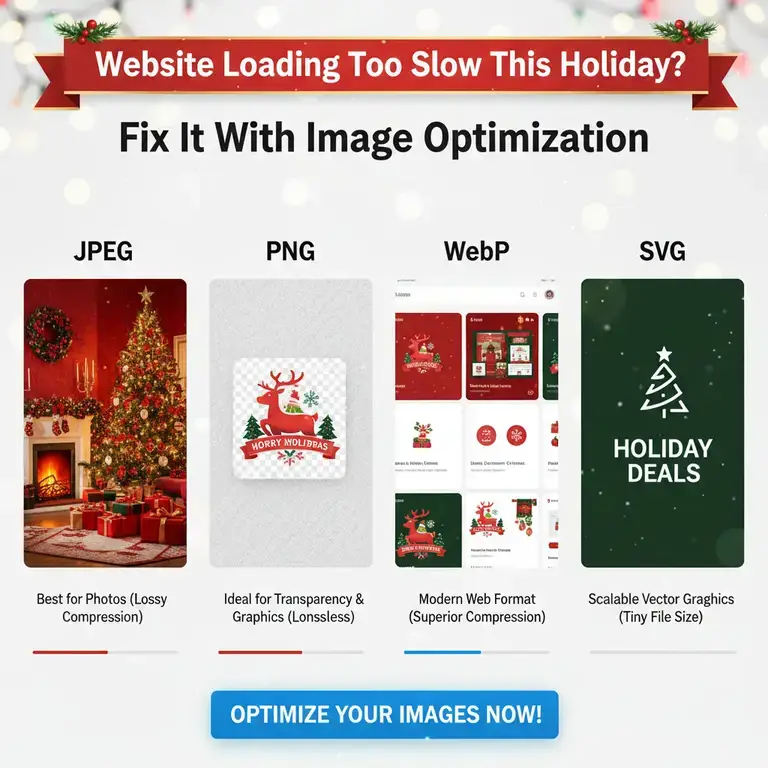
- Loading Speed: Oversized images slow down your website and email load times, which can directly impact your sales during high-traffic events like BFCM.
The Essential BFCM Image Size Cheat Sheet
Here are the recommended image sizes for the key channels you’ll be using this sales season.
1. Website & E-commerce Hero Banners
Your website banner is the first thing visitors see. Make it count.
- Recommended Size: 1200 x 600 pixels (for a standard header)
- For Full-Screen/Hero Banners: 1920 x 1080 pixels (This is a common HD screen ratio, ensuring it looks great on all desktops).
- Aspect Ratio: 16:9 or 2:1
- Pro Tip: Keep critical text and logos within the central 1000px to avoid cropping on smaller screens.
2. Social Media Graphics
Each platform is a different beast. Tailor your graphics for maximum impact.
- Facebook & Instagram Feed Posts:
- Recommended Size: 1080 x 1080 pixels (Square) or 1080 x 1350 pixels (Portrait)
- Why: Square posts take up more real estate in the feed, while vertical posts are perfect for stopping the scroll on mobile.
- Facebook & Instagram Stories/Reels:
- Recommended Size: 1080 x 1920 pixels
- Aspect Ratio: 9:16
- Pro Tip: Leave the top and bottom 250px free of important text to avoid being covered by the profile icon and UI buttons.
- Pinterest Pins:
- Recommended Size: 1000 x 1500 pixels
- Aspect Ratio: 2:3
- Why: Tall, vertical pins perform significantly better on Pinterest as they take up more space in the feed.
- Twitter (X) Posts:
- Recommended Size: 1200 x 675 pixels
- Aspect Ratio: 16:9
3. Email Marketing Graphics
Your email list is gold during BFCM. Don’t let slow-loading images derail your campaign.
- Recommended Size: 600 pixels wide
- Why: This width is ideal for most email clients and ensures your image doesn’t get cut off or force horizontal scrolling.
- Pro Tip: Keep file sizes small (under 1MB if possible) for fast loading. Use clear, bold text that’s easy to read even if images are disabled.
4. Google & Facebook Ads
Paid ads are a huge part of BFCM strategy. Precision is key.
- Google Responsive Display Ads:
- Recommended Size: 1200 x 1200 pixels (Square) or 1920 x 1080 pixels (Landscape). Google uses a mix, so provide both.
- Aspect Ratio: 1:1 or 16:9
- Facebook/Instagram Feed Ads:
- Recommended Size: 1080 x 1080 pixels
- Aspect Ratio: 1:1
The Secret Weapon: How to Resize Your BFCM Graphics in Seconds
Creating one perfect master graphic is only half the battle. Manually resizing it for a dozen different platforms is a huge time-suck, especially when you’re busy managing a massive sale.
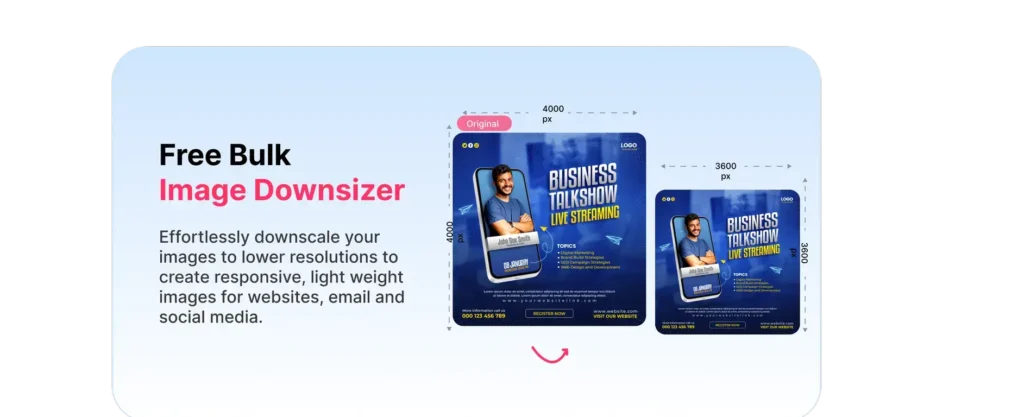
This is where a specialized tool becomes your best friend. Instead of struggling with complex design software, you can use ResizeImage.io to quickly and effortlessly adapt your graphics.
Here’s how it works:
- You have your main BFCM banner designed (let’s say it’s 1920×1080 for your website).
- You now need a square version for Instagram. Simply go to ResizeImage.io.
- Upload your original file, change the dimensions to 1080×1080, and download your perfectly resized image in seconds.
It’s that easy. No quality loss, no complicated steps.
Ready to save precious time this BFCM?
Click here to resize your sale graphics for free with ResizeImage.io!
Quick-Fire Pro Tips for BFCM Graphics
- Be Brand Consistent: Use the same color scheme, fonts, and logo placement across all graphics to build recognition.
- Prioritize Mobile: Over 60% of BFCM purchases happen on mobile. Always preview how your images look on a phone.
- Use a Clear Call-to-Action (CTA): “Shop Now,” “Get the Deal,” “Limited Time Offer”—make it obvious what you want the customer to do.
- Keep File Names SEO-Friendly: Name your image
black-friday-laptop-deal-2025.jpginstead ofIMG_12345.jpg.
Your Black Friday and Cyber Monday graphics are the frontline of your sales campaign. By using the correct image sizes for each platform, you ensure a professional, fast, and engaging experience for your customers. And by using a tool like ResizeImage.io, you streamline your workflow, saving time and stress during the busiest season of the year.
Start preparing your visuals now, resize with confidence, and get ready for a record-breaking sales season!
Bookmark this resource for easy reference during the BFCM chaos!