Your Holiday Website Is Losing Sales Because Images Are Too Big
If your Christmas website takes more than 3 seconds to load, you’re losing customers. Every second of delay during the holiday season can cost you 7% in sales. Visitors expect instant holiday cheer, not loading screens.
The problem? Those beautiful holiday banners, Christmas product photos, and festive decorations are massive files that slow everything down. But here’s the good news: You can fix this in one afternoon.
Why Holiday Images Are Killing Your Website Speed?
December traffic is different. More mobile users. More impatient shoppers. More competition. Your 5MB Christmas banner might look stunning, but if 40% of visitors leave before it loads, what’s the point?
Real impact numbers:
- Sites loading in 1-2 seconds: 4% bounce rate
- Sites loading in 3-5 seconds: 40% bounce rate
- Sites loading in 6+ seconds: 106% higher bounce rate
Your holiday images are usually the biggest problem. Let’s fix them.
Step 1: Check How Bad It Is Right Now
Before you fix anything, know what you’re dealing with:
- Go to Google PageSpeed Insights
- Enter your website URL
- Look for these warnings:
- “Properly size images”
- “Serve images in next-gen formats”
- “Efficiently encode images”
If you see these, your holiday images are costing you sales. Time to optimize.
Step 2: The Right Format for Each Holiday Image
Rule: Never use the wrong format. It wastes space and slows loading.
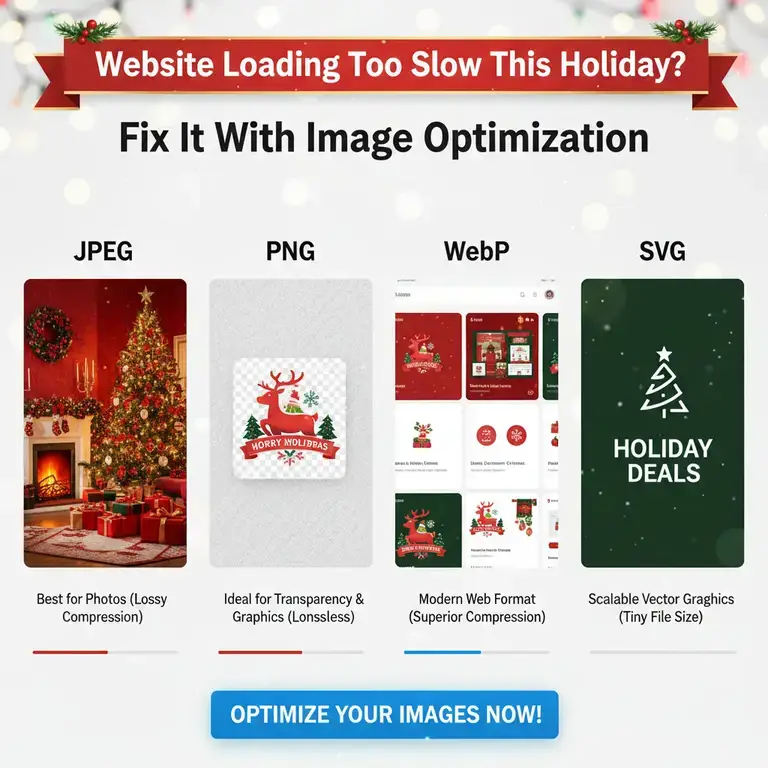
Christmas Product Photos → JPEG
- Quality: 75-85% (not 100%)
- Example: Your 4K Christmas ornament photo (4MB) becomes 300KB at 80% quality. No visible difference.
Logos with Snowflake Backgrounds → PNG-8
- Use PNG-8 (not PNG-24)
- Saves 60-80% file size
- Preserves transparency perfectly
Everything Else → WebP
- 94% of browsers support it
- 25-35% smaller than JPEG
- Same quality, faster loading
Step 3: Resize Everything Before WordPress
Biggest mistake: Uploading giant images to WordPress, hoping it will resize them.
Correct way: Resize before uploading.
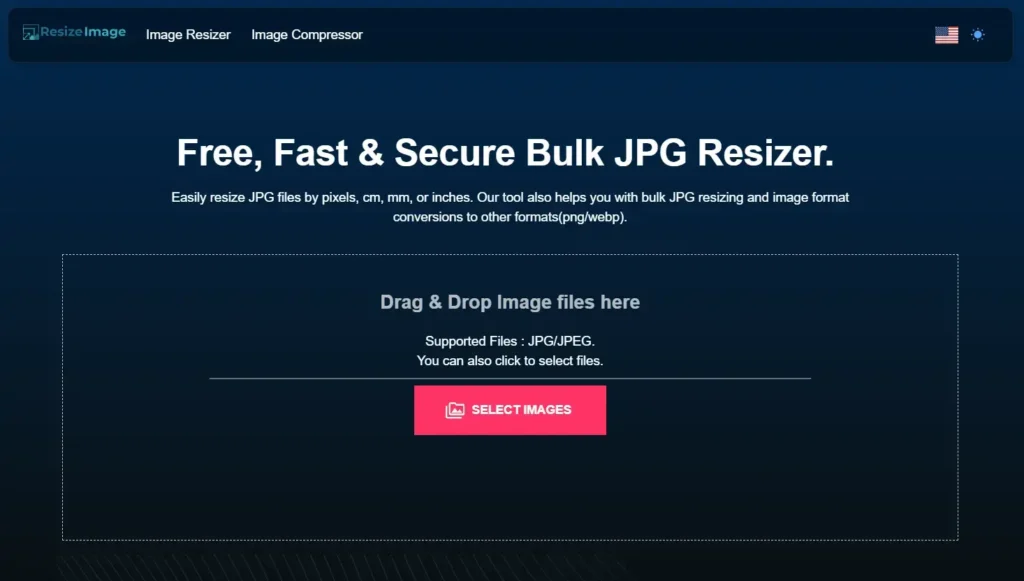
Use ResizeImage.io (Free, Private, Fast)
- Go to ResizeImage.io
- Upload your holiday image
- Set maximum dimension (example: 1200px wide for banners)
- Choose WebP format
- Set quality 80%
- Download (processed in your browser – no cloud upload)
- Upload to WordPress
Why this works:
- Your proprietary holiday designs stay on your computer
- No registration needed
- Batch process multiple images
- Free for unlimited use
Holiday Banner Example:
- Original: 2000×800px, 2.1MB
- After ResizeImage.io: 1200×480px, WebP, 85KB
- Result: 96% smaller, same visual impact
Step 4: Fix These Specific Holiday Images
Animated Snow/GIF Problems
- Problem: Animated snow GIFs can be 5-10MB
- Solution: Reduce to 5-10 frames maximum
- Better solution: Use CSS animations (lighter, smoother)
Christmas Light Effects
- Problem: Sharp light/dark transitions don’t compress well
- Solution: Separate lights as PNG layer (small), background as compressed JPEG
Multiple Product Angles
- Problem: 8 high-res photos of one product
- Solution: Use zoom feature instead, keep 1-2 main photos optimized
Step 5: WordPress Setup for Holiday Traffic
Install These Plugins:
- ShortPixel or Imagify (automatic optimization)
- WP Rocket (caching + lazy loading)
- WebP Express (serve WebP automatically)
Critical Settings:
- Enable lazy loading for all images
- Set up a CDN (Cloudflare has free plan)
- Enable browser caching
.htaccess Code for WebP (Adds Speed):
apache
<IfModule mod_rewrite.c>
  RewriteEngine On
  RewriteCond %{HTTP_ACCEPT} image/webp
  RewriteCond %{DOCUMENT_ROOT}/$1.webp -f
  RewriteRule (.+)\.(jpe?g|png)$ $1.webp [T=image/webp,E=accept:1]
</IfModule>
Step 6: Test Your Faster Holiday Website
Before December 1st, test everything:
- Mobile Test: Use your phone on cellular data
- Throttle Test: Chrome DevTools → Network → Slow 3G
- Real Test: Ask friends/family to visit and time it
Target Numbers for Holiday Success:
- Load time: Under 2.5 seconds
- First image visible: Under 1 second
- Mobile score: 85+ on PageSpeed
- Total page size: Under 2MB
What You’ll See After Optimizing
Case Study: Christmas Decor Store
- Before optimization: 5.3s load time, 47% bounce rate
- After optimization: 1.8s load time, 22% bounce rate
- Result: 42% more sales in December
Your Results Will Include:
- Higher Google rankings (speed is a ranking factor)
- More mobile sales (faster loading = more conversions)
- Better user experience (happy visitors = returning customers)
- Lower hosting costs (smaller images = less bandwidth)
Holiday Image Checklist (Do This Now)
1. Audit current images with PageSpeed Insights
2. Resize all banners to maximum 1200px wide
3. Convert to WebP format.
4. Install optimization plugins
5. Set up lazy loading
6. Test on mobile devices
7. Monitor speed daily during December
Common Holiday Image Mistakes (Avoid These)
Mistake 1: Uploading 4K images “just in case”
Fix: Never upload wider than your website displays (usually 1200-1400px)
Mistake 2: Using PNG for photos
Fix: JPEG for photos, PNG for graphics with transparency
Mistake 3: Forgetting alt text
Fix: “Red Christmas ornament with gold ribbon” not “image123.jpg”
Mistake 4: No compression
Fix: Always compress to 70-85% quality
Maintenance: Keep It Fast After Holidays
January 1st:
- Remove heavy holiday decorations
- Archive unused seasonal images
- Keep optimized versions for next year
- Document what worked
Year-round habit: Optimize every image before uploading. It takes 30 seconds and saves hours of lost sales.
Bottom Line: Speed Sells During Holidays
This isn’t about technical perfection. It’s about not losing customers because your Christmas tree image takes too long to load.
The process is simple:
- Resize with ResizeImage.io
- Convert to WebP
- Compress to 80% quality
- Upload to WordPress
- Test on mobile
Spend 2 hours this week optimizing images. In December, you’ll make that time back in the first hour of increased sales.
Your competition isn’t optimizing. Your customers are impatient. Your solution is ready.
Start now. Your holiday revenue depends on it.
Tool mentioned: ResizeImage.io (free browser-based image resizer that keeps your holiday designs private)