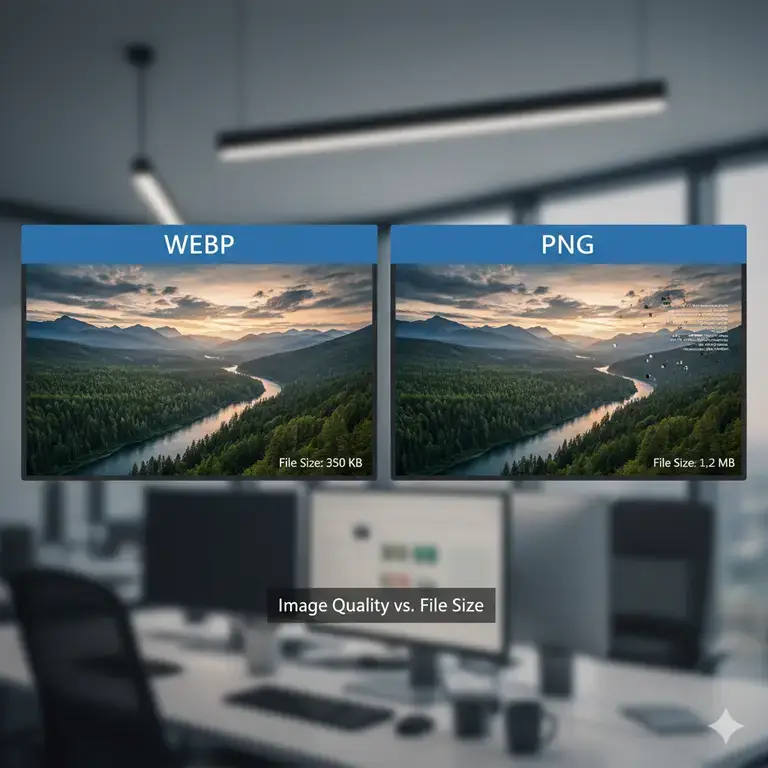
In the relentless pursuit of web performance, WebP has rightly been crowned a champion for its superior compression. The narrative often pushes developers and designers to convert everything to this modern format. However, for graphic designers, print professionals, and enterprise users, this one-size-fits-all approach can be detrimental to workflow integrity and final product quality.
The truth is, PNG is far from obsolete. In many professional scenarios even in 2026, it remains the unequivocally superior choice. This guide cuts through the hype to explain the critical, non-negotiable use cases where you should use PNG over WebP.
The Unbeatable PNG: A Quick Refresher for Professionals
Before we dive into the specifics, let’s reaffirm PNG’s core strengths that WebP was never designed to fully replace:
- True Lossless Compression: Every pixel is preserved perfectly across saves and edits.
- Universal Alpha Transparency: Supports multi-level transparency (soft drop shadows, glows, anti-aliased edges) flawlessly.
- Absolute Software & Hardware Compatibility: Works in every operating system, application, and device without a second thought.
- Industry Standard Trust: A proven, reliable format for archiving and professional exchange.
With that in mind, let’s explore the professional scenarios where choosing PNG is not just a preference, but a necessity.
Advanced Transparency and Alpha Channel Workflows
Use PNG when: You require pixel-perfect, multi-level transparency for complex graphics.
While WebP does support alpha transparency, PNG’s implementation is more mature and reliably consistent across the entire professional software ecosystem.
Professional Scenarios:
- UI/UX Design Handoff: When delivering assets from Figma, Sketch, or Adobe XD to developers, PNG ensures that soft drop shadows, subtle glows, and anti-aliased edges on buttons and overlays are preserved exactly as designed. There’s no room for rendering inconsistencies that can sometimes occur with WebP in certain environments.
- Motion Graphics and Video Editing: Placing graphic elements with transparency into video timelines (in Adobe After Effects, Premiere Pro, or DaVinci Resolve) demands a flawless alpha channel. PNG is the trusted, go-to format for lower-thirds, logos, and animated elements, guaranteeing no edge artifacts or transparency issues during rendering.
- Complex Logo Treatments: Logos with gradient fades, intricate masks, or combined with photographic elements need the absolute reliability of PNG’s transparency. You can use online transparency checker tool to verify the integrity of your alpha channel before delivery.
The Verdict: For mission-critical transparency, PNG’s universal reliability trumps WebP’s potential file size savings.
Graphic Design and Lossless Editing
Use PNG when: You are in the active, iterative phase of design and need a lossless editing buffer.
Your design workflow is a chain of creation. Introducing a lossy format like WebP into the middle of this chain can cause generational degradation.
Professional Scenarios:
- Intermediate Saves: When working on a complex graphic in Photoshop or Illustrator, saving intermediate versions as PNG guarantees that no quality is lost when you re-open the file to make further adjustments. Using a lossy WebP for this would slowly degrade image quality with each save.
- Asset Compilation: Creating a mood board, design presentation, or composite where you are copying and pasting elements from various sources? Using PNG ensures that each element remains in its highest quality state, preserving sharp text, clean vector lines, and color accuracy.
- Source Asset Archiving: Always archive the master, high-resolution version of icons, logos, and UI elements as PNG. This creates a pristine “source of truth” that you can return to for any future project or adaptation. If you need a WebP for the web, always convert your PNG to WebP as the final step, never the first.
Print and High-Fidelity Physical Applications
Use PNG when: Your final output is physical, not digital.
The world of print operates on a completely different set of rules than the web. Here, file size is a secondary concern to color accuracy, resolution, and reliability.
Professional Scenarios:
- Large-Format Printing: For banners, trade show graphics, and billboards, printers require high-resolution 300 DPI, lossless files. A compressed WebP file, even lossless, is an unfamiliar and risky format in most RIP (Raster Image Processor) software. A high-bit-depth PNG is a safe, accepted standard.
- Product Branding and Merchandise: When sending logo files for embroidery, laser etching, or screen printing on merchandise, suppliers almost universally require PNG (or vector formats). The format’s lossless nature ensures that the crisp edges of your logo are maintained in the production process.
- Professional Photography for Print: While TIFF is the king of print photography, PNG serves as an excellent lossless alternative for digital proofs and certain publication workflows where its wide support is an advantage over WebP.
Enterprise, Legal, and Legacy System Compatibility
Use PNG when: Absolute, 100% compatibility is non-negotiable.
In large organizations, government, and legal contexts, you cannot dictate the software or systems your recipients use.
Professional Scenarios:
- Legal and Documentation Evidence: Screenshots submitted as evidence in legal proceedings or for technical documentation must be in a universally accessible, unalterable (lossless) format. PNG is the accepted standard for this, as it can be opened and verified by any system without specialized software.
- Enterprise Software and Dashboards: Many legacy business intelligence dashboards, internal tools, and enterprise software systems were built long before WebP existed. Forcing a WebP image into these systems will likely result in a broken image icon.
- Email Marketing for Maximum Reach: While modern email clients are improving, the email landscape is fragmented. To ensure your branded header images or graphics render for every single subscriber—including those on older versions of Outlook or other clients—using PNG is the safest strategy to avoid formatting disasters.
Industry-Specific Standards and Technical Requirements
Use PNG when: Your industry or tools mandate it.
Some fields have established protocols where PNG is the de facto or required standard.
Professional Scenarios:
- Game Development: Many game engines (like Unity and Unreal Engine) use PNGs for UI elements, sprites, and texture maps because of their reliable transparency and lossless quality, which is crucial when assets are scaled or manipulated in-engine.
- Academic Publishing and Scientific Imaging: When submitting figures for scientific papers or research, journals often have strict format requirements. PNG is frequently stipulated for line graphs, diagrams, and microscopy images because its lossless nature prevents the introduction of compression artifacts that could be misconstrued as data.
- OCR (Optical Character Recognition) and Digital Archiving: For scanning documents where text recognition is key, a lossless PNG provides a cleaner, more accurate source for OCR software to analyze compared to a lossy-compressed WebP, which might introduce subtle noise around character edges.
A Practical Decision Framework for Professionals
Ask yourself these questions before choosing a format:
- Is this for an active design/edit workflow? -> YES = Use PNG.
- Is the final output for print or physical production? -> YES = Use PNG.
- Does this asset require perfect, multi-level transparency? -> YES = Use PNG.
- Will this file be used in a legacy system or where compatibility is unknown? -> YES = Use PNG.
- Is this a final asset for web use where performance is the top priority? -> YES = Use WebP.
The Bottom Line
WebP is a remarkable tool for optimizing web performance, and you should use it extensively for that purpose. However, for professionals, the choice between PNG and WebP is not about which format is “better,” but about which is appropriate for the context.
PNG remains the bedrock format for professional workflows where lossless quality, universal compatibility, and proven reliability are paramount. It is the safe, trusted, and high-fidelity choice for design, print, and enterprise applications. Use WebP strategically for the web, but never at the cost of compromising your professional standards and deliverables. You can also convert your webp files to png.
Don’t compromise your professional workflow. For your design, print, and enterprise projects, ensure guaranteed compatibility and lossless quality. Convert your WebP files to the trusted PNG format with our high-quality, professional-grade converter.