Have you ever carefully framed a perfect photo, only to have it look awkwardly cropped or strangely empty when you post it online? Or maybe you’ve tried to print a picture, only to find the edges of your subject’s head have been chopped off? If this sounds familiar, you’re not alone. The culprit is often a misunderstanding of one of the most fundamental concepts in photography and design: aspect ratio.
Let’s break down what aspect ratio is, why it’s so important, and how a little knowledge can save you a lot of cropping headaches.
How to Calculate your Image’s Aspect Ratio?
The aspect ratio is the proportional relationship between the width and height of an image. It’s expressed as two numbers separated by a colon (e.g., 800×450 pixels and 1200 x 675 pixels both is 16:9).
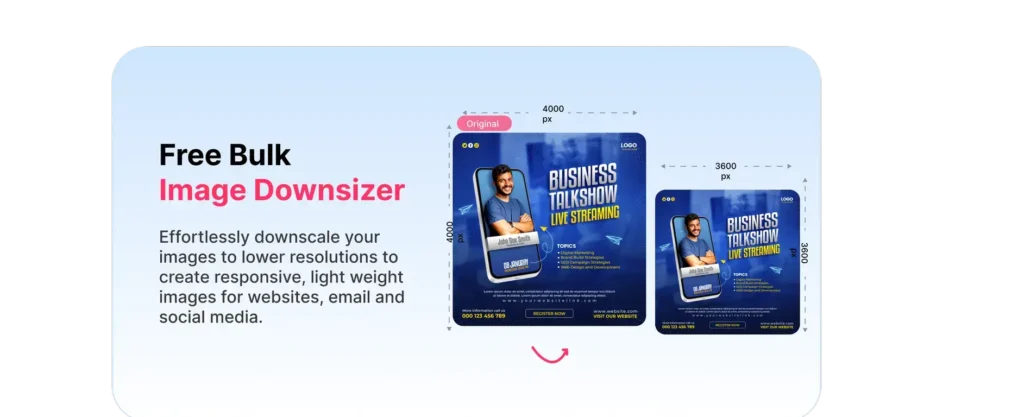
Please do not confuse with Aspect ratios e.g. 200 x 200 pixels, 400 x 400 pixels, 1000×1000 pixels all have an aspect ratio of 1:1.
Why Does Aspect Ratio Matter So Much?
You might think shape is just an aesthetic choice, but it has three very practical impacts:
- Visual Harmony and Composition: The aspect ratio is the very canvas of your photograph. A wide, panoramic 16:9 ratio is perfect for capturing a sweeping landscape, guiding the viewer’s eye across the scene. A tall, vertical 9:16 ratio, on the other hand, is ideal for a portrait, naturally framing a person from head to toe. Choosing the right shape from the start helps you create a balanced, intentional composition.
- Platform Requirements (The Social Media Maze): This is where most people get tripped up. Every platform has its own preferred aspect ratios. If you try to post a horizontal 16:9 photo as an Instagram feed post, it will be automatically cropped into a square (1:1), potentially cutting off important elements. Meanwhile, a vertical Story or Reel (9:16) will display fully. Knowing these rules helps you plan your shots for where they’ll be viewed.
- The “Stretched or Squashed” Effect: This is the most dramatic consequence of ignoring aspect ratio. When you force an image to fit a new ratio by dragging its corners without holding the shift key (a classic mistake!), you distort the image. People end up with comically wide heads or unnaturally skinny bodies. Preserving the aspect ratio is crucial for keeping your subjects looking like themselves!
Common Aspect Ratios in the Wild
- 4:3: This is the default for many smartphones and point-and-shoot cameras. It’s a versatile, slightly boxy rectangle.
- 16:9: The universal widescreen standard for YouTube, Netflix, and most computer monitors and TVs.
- 1:1: The classic square, famously used for Instagram feed posts. It’s a balanced, focused format.
- 9:16: The vertical video and photo standard for Instagram Stories, Reels, TikTok, and Snapchat. It’s designed to fill your entire phone screen.
- 3:2: This is the standard for most DSLR and mirrorless cameras, offering a slightly wider feel than the 4:3 ratio.
The Core Cropping Dilemma? To crop or Resize?
So, you’ve taken a photo in your camera’s native 3:2 ratio, but you need a 1:1 square for Instagram. What do you do? This is the moment of truth, and you essentially have two choices:
- Cropping: You cut away parts of the original image to force it into the new shape. The risk? You might lose a crucial part of the scene, like an arm on the edge of the frame or a beautiful tree in the background.
- Resizing: You shrink the entire image to fit within the new ratio, which often results in empty black or white bars on the sides (called “pillarboxing”) or on the top and bottom (“letterboxing”).
So, what’s the best choice? Is there a way to change your aspect ratio without ruining your beautiful photo?
Now that you know what aspect ratio is, learn how to change it correctly without ruining your composition or image quality in our next guide: [Mastering the Crop: How to Change Aspect Ratio Without Losing Your Mind].