If you run an online store, you know the pain. You just got 50 new products from your supplier, each with 3–4 images. That's 200 photos that need to be resized to fit your platform's requirements. Shopify wants 2048×2048. Amazon wants at least 1000×1000. Your own site needs thumbnails at 300×300.
So you open Photoshop. One by one, click resize, export, save, next. After 15 minutes you've done maybe 8 images. Your coffee is cold. Your patience is gone. You still have 192 to go.
There's a better way.
Why Bulk Resizing Is a Commerce Superpower
Bulk resizing isn't just about saving time — it's about consistency. When you resize images one at a time, mistakes creep in. Wrong dimensions. Mixed file formats. Inconsistent quality. All of that makes your store look unprofessional.
A single correctly sized product image can increase conversion rates by up to 30%. Mismatched or distorted images? They drive customers away.
The key is doing it in bulk, without sacrificing quality, and without needing to sign up for another monthly subscription.
How to Bulk Resize Product Images in 30 Seconds
Here's the workflow with ResizeImage.io:
Step 1: Select all your images
No need to zip or organize. Just drag and drop your folder of images — JPG, PNG, WebP, TIFF — right onto the page. Up to you how many. The tool handles them in parallel.
Step 2: Set your target dimensions
Pick from presets (Shopify, Amazon, Etsy, eBay) or enter custom pixel dimensions using the pixel resizer tool. Want 2048×2048 for Shopify? Set it. Need 1000×1000 for Amazon? Set it. The tool applies the same dimensions to every image in the batch.
You can also choose between:
- Exact fit — crops to match aspect ratio
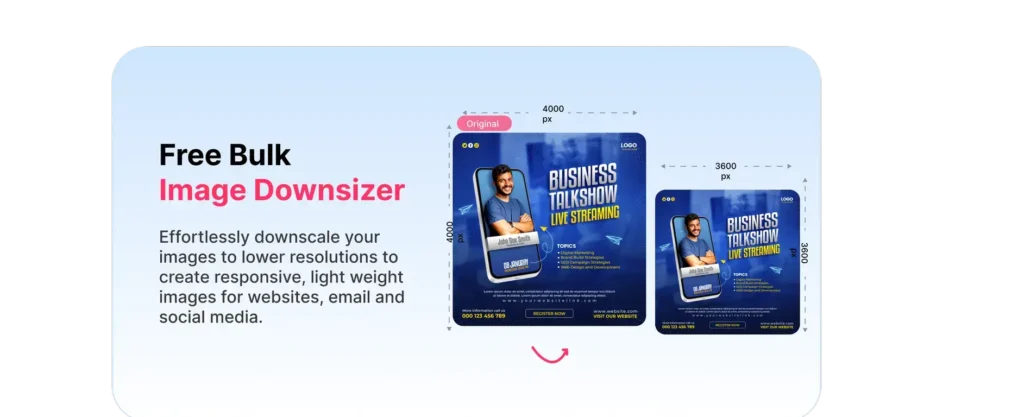
- Fit within — scales down to fit within dimensions, maintaining aspect ratio
- Stretch — forces exact dimensions (not recommended for product photos)
Step 3: Choose output format and quality
Keep the original format, or convert everything to WebP for smaller file sizes. Set quality percentage (80–90% is the sweet spot for ecommerce). Use the image compressor to fine-tune file sizes alongside dimensions.
Step 4: Download all at once
Click resize. Wait 30 seconds (or less). Download a single zip with all your resized images, ready to upload to your store.
No accounts. No limits. No uploads to external servers.
Why ResizeImage.io Is Different
Most bulk resizers work by uploading your product images to their servers. This creates two problems:
- Privacy risk — Your product photos, especially new or unreleased items, are sitting on someone else's server.
- Speed bottleneck — Upload time often exceeds processing time.
ResizeImage.io processes everything in your browser using WebAssembly. Your images never leave your device. For a batch of 50 product images, you save roughly:
- Upload time: 0 seconds
- Resize time: ~15–30 seconds
- Download time: Depends on final file size
- Total: Under a minute
Compare that to server-based tools where you spend 5–10 minutes just uploading. The Shopify image resizer is purpose-built for store owners who need this workflow daily.
Platform-Specific Size Guide
| Platform | Recommended Image Size | Max File Size |
|---|---|---|
| Shopify (product) | 2048×2048 px | 20 MB |
| Amazon (main) | 1000×1000 px | 2 MB |
| Etsy | 2000×2000 px | 10 MB |
| eBay (supersize) | 1600×1600 px | 12 MB |
| WooCommerce | 800×800 px | 2 MB |
| BigCommerce | 2048×2048 px | 10 MB |
Pro Tips for Ecommerce Image Optimization
Use WebP for your store. WebP files are 25–35% smaller than JPEG at the same quality. That means faster page loads, better Core Web Vitals, and higher Google rankings. Use the image converter to batch-convert to WebP while resizing.
Keep a master copy. Always save your original high-res images separately. Batch-resize copies, not originals.
Consistent file naming. After bulk download, rename your batch with tools like PowerRename (Windows) or NameChanger (Mac) using patterns like productname-sku-##.
Test compression levels. For most product photos, quality 85 is visually identical to 100 but half the file size. Run a small batch at different quality levels and pick the one that balances size and quality for your niche.
Stop Paying for Bulk Resizing
Tools like Kraken.io charge $15–$60/month for bulk processing. TinyPNG's API charges per image. If you're processing hundreds of product images every week, those costs add up fast.
ResizeImage.io is free. Unlimited images. No signup. No API keys. No caps.
Whether you're launching a new product line or updating your entire catalog, you can resize everything in one shot and get back to what actually matters — running your store.