Learn the differences between PNG and JPG and why having the right tool matters for your privacy
We’ve all been there. You’re trying to upload a screenshot to a website, send a photo via email, or save space on your phone, and suddenly you’re faced with a choice: PNG or JPG?
It seems simple, but choosing the wrong format can mean huge file sizes, blurry images, or even compatibility problems. And if you’re using online tools to fix these issues, you might be sacrificing something even more important: your privacy.
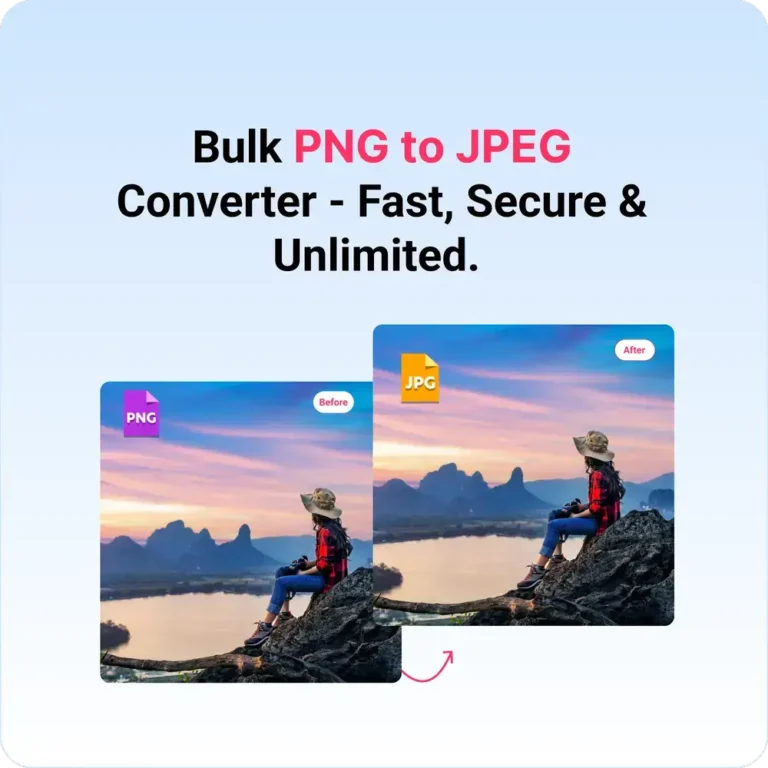
In this guide, we’ll break down the differences between PNG and JPG across three critical dimensions—speed, quality, and privacy—and show you how to switch between them instantly and securely.
What Are PNG and JPG, Anyway?
Before we compare, let’s quickly understand what these formats actually do.
JPG (or JPEG) was created by the Joint Photographic Experts Group in 1992. It was designed for photographs and realistic images. JPG uses “lossy” compression, which means it permanently discards some image data to make files smaller. That’s why a 10MB photo can become a 1MB JPG—but at a cost.
PNG (Portable Network Graphics) came later, in 1996, as a patent-free alternative to GIF. PNG uses “lossless” compression, meaning it preserves every single pixel of your original image. It also supports transparency, which is why logos and graphics are almost always PNGs.
Now, let’s see how they stack up.
Speed (File Size and Loading Times)
The Winner: JPG (Usually)
When it comes to speed, we’re really talking about file size. Smaller files load faster on websites, send quicker via email, and take up less space on your devices.
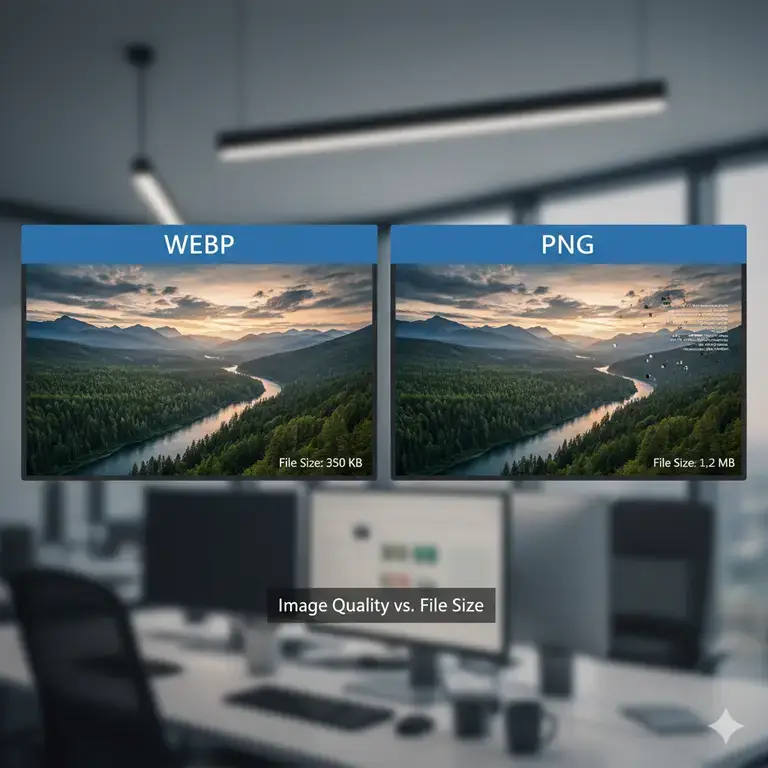
- JPG files are typically 5-10 times smaller than PNGs for photographs. A high-resolution photo might be 500KB as a JPG but 5MB as a PNG.
- PNG files are much larger because they preserve every detail. A simple screenshot with text might be 50KB as a PNG but only 15KB as a low-quality JPG—though that JPG might show ugly compression artifacts around the text.
The Trade-Off: JPG wins for speed in most cases, but if your image contains text, sharp lines, or logos, a heavily compressed JPG will look terrible. PNG ensures crispness but costs you loading time.
Quality (Visual Fidelity)
The Winner: PNG (For Most Non-Photo Images)
Quality is subjective, but technically speaking:
- JPG is excellent for photographs. Our eyes barely notice the compression when it’s done well. That’s why every digital camera and phone saves photos as JPG by default.
- JPG struggles with text, logos, and graphics. Those sharp edges get blurry or develop weird “artifacts” around them. Have you ever seen a logo with strange blocks of color around the text? That’s JPG compression failing.
- PNG preserves everything perfectly. Every pixel, every sharp edge, every subtle gradient—it’s all there. If you’re designing a logo, saving a screenshot, or archiving important images, PNG is superior.
- PNG supports transparency. This is the dealbreaker for many designers. JPG cannot handle transparent backgrounds. If you try to save a logo with transparency as JPG, that transparency becomes a solid color (usually white or black).
The Trade-Off: If you need perfection or transparency, PNG wins. For photos viewed on screens, most people won’t notice the difference—but they will notice if your website takes forever to load.
Privacy (The Hidden Cost of “Free” Tools)
The Winner: It Depends on Your Tools
This is where most comparison guides stop, but it’s actually the most important factor. What happens to your images when you use an online converter?
Here’s the uncomfortable truth about most “free” PNG to JPG websites:
- You upload your image to their server. That means your photo, screenshot, or document is now sitting on a computer you don’t control.
- They can store, analyze, or sell your data. Many free services make money by collecting user data. Your vacation photos might not be valuable, but what about that screenshot of a bank statement you wanted to email?
- Your privacy is only as good as their security. If their server gets hacked, your images are exposed.
This matters more than you might think. People upload:
- Screenshots containing personal messages
- Scanned IDs or passports
- Private family photos
- Confidential work documents
- Images with metadata (location data, device info)
So which format wins for privacy? Neither. The format isn’t the privacy risk—the tool you use to convert them is.
The Ultimate Solution: Switch Formats Instantly and Securely
Here’s the reality: You need both formats. You’ll receive PNGs that are too large for email. You’ll need JPGs for website uploads but have only PNGs. You’ll design something with transparency and then need a solid background version.
The key isn’t choosing one format forever—it’s having the ability to switch between them instantly, freely, and securely.
That’s where ResizeImage IO comes in!
Unlike traditional online converters that require uploading your images to unknown servers, resizeimage io’s image conversion happens directly in your browser. This is called client-side processing, and it means:
✅ Your images never leave your device. No upload. No cloud storage. No third-party servers ever see your photos.
✅ Zero login required. We don’t track you, profile you, or ask for your email.
✅ 100% free and unlimited. Convert as many images as you want, as often as you want. No premium tiers, no “free trial” limits.
✅ Batch processing. Need to convert 50 screenshots at once? Done. All locally, all instantly.
✅ Fast and efficient. Because nothing is uploaded, there’s no waiting for slow server connections. Drop your images, convert, download—it’s that quick.
Quick Reference: When to Use Each Format
Use PNG when:
- You need transparency (logos, icons, graphics)
- Your image contains text, sharp lines, or diagrams
- You’re editing images and want to preserve maximum quality
- You need to archive images without any quality loss
Use JPG when:
- You’re sharing photos (especially via email or social media)
- Website loading speed is critical
- Storage space is limited
- The platform requires JPG format
- You’re sending images as attachments
Learn how to convert png to jpg without uploading to the internet?
Your Privacy-First Workflow
Here’s a simple, secure workflow that covers all your bases:
- Save originals as PNG for maximum quality and future editing
- Use Resizeimage IO to convert to JPG when you need smaller files or specific compatibility
- Never worry about where your images go because they never leave your computer
No more stressing about whether that “free” converter is selling your data. No more email limits because your PNG screenshots are 5MB each. No more frustrating upload failures because of format incompatibility.
The Bottom Line
In the PNG vs. JPG debate, there’s no single winner—just the right tool for the right job. JPG wins for speed and photo sharing. PNG wins for quality, text, and transparency. But you win when you have the power to switch between them instantly and securely.
With ResizeImage IO, that power is literally at your fingertips. Free, fast, private, and unlimited. No sign-ups, no uploads, no compromises.
Ready to take control of your images? Visit resizeimage.io and experience the difference that client-side processing makes. Your privacy—and your storage space—will thank you.