How to Remove Image Backgrounds Without Uploading to a Server?
Most background removal tools work by having you upload your image to their cloud servers, where an AI processes it and sends the result back. That means your private photos — product shots, family pictures, sensitive documents — end up on someone else’s infrastructure.
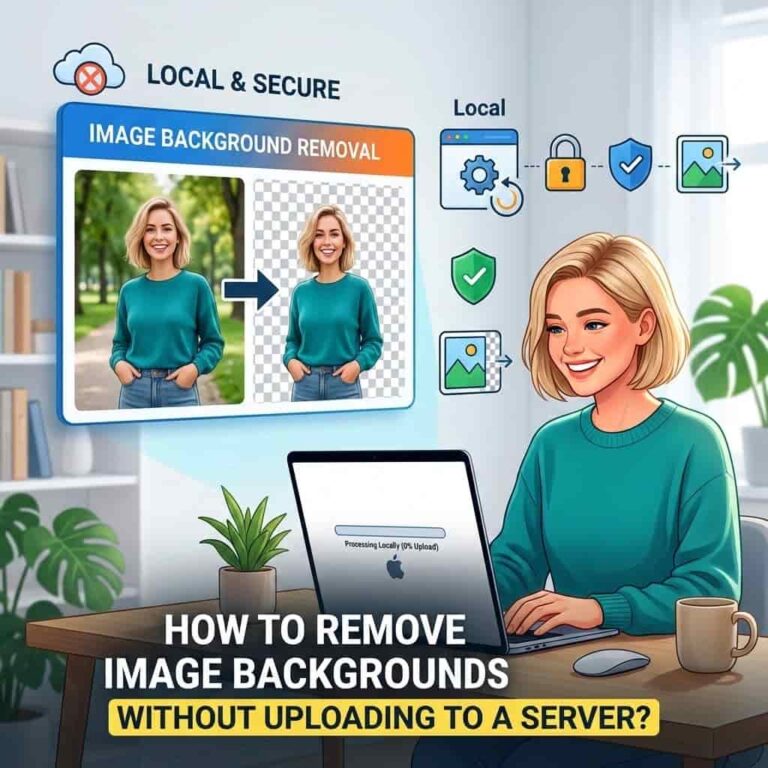
There’s a better way. Browser-side processing lets you remove backgrounds entirely on your own device. No uploads. No server storage. No privacy concerns.
Why Server Upload Is a Problem?
Every time you hit “upload” on a background removal website, a copy of your image travels across the internet to a server somewhere in the world. That server might be in a different country with different privacy laws. The company running it might store your image for AI training, sell the data, or suffer a breach.
This matters if you are:
- An ecommerce seller with hundreds of product photos containing proprietary designs
- A photographer handling client images under NDAs
- Someone editing personal photos with sensitive content
- A business that needs GDPR or HIPAA compliance
Most free background removal tools bury their data practices in privacy policies nobody reads. Some explicitly state they retain uploaded images to improve their AI models. Others contract with third-party cloud providers whose security you cannot verify.
How Browser-Side Processing Works?
Browser-side (or client-side) processing flips the model entirely. Instead of sending your image to a remote server, the AI model loads directly into your browser, and all computation happens locally on your device.
Here is the technical flow:
- You open the tool in a modern browser (Chrome, Edge Safari or any browser with WebGPU support)
- The AI model — typically a deep learning model trained on millions of images — downloads to your browser cache
- Your image stays in your device’s memory throughout processing
- The browser’s GPU (not a remote server) runs the background removal computation
- The final output (a transparent PNG or replaced-background image) is generated locally
- You download the result directly — nothing was ever transmitted
The key enabler here is WebGPU, a browser API that gives web applications direct access to your device’s graphics processor. Modern AI background removal models run efficiently on consumer GPUs, and WebGPU makes this possible in a browser tab rather than requiring installed software.
Why it Matters?
Privacy by Default
When no data leaves your device, there is nothing to breach, nothing to sell, and nothing to comply with privacy regulations about. The image you process exists only on your machine. Delete it, and it is gone forever.
No Data Retention Worries
Server-based tools often retain images for varying lengths of time. Some delete them immediately after processing; others keep them for 30 days for “quality assurance”; others retain them indefinitely for AI training. With browser-side processing, this question simply does not exist.
No Upload Speed Bottlenecks
A typical product photo from a modern smartphone is 3-8 MB. Uploading hundreds of these to a server takes time. Browser-side processing skips the upload entirely — your image is already where the computation happens.
Works Offline (After Initial Load)
Once the AI model is cached in your browser, many browser-side tools work without an internet connection. This is useful for travelers, people with unreliable connections, or anyone who values independence from cloud services.
Real Tools That Do This
ResizeImage.i’s Private Background Remover
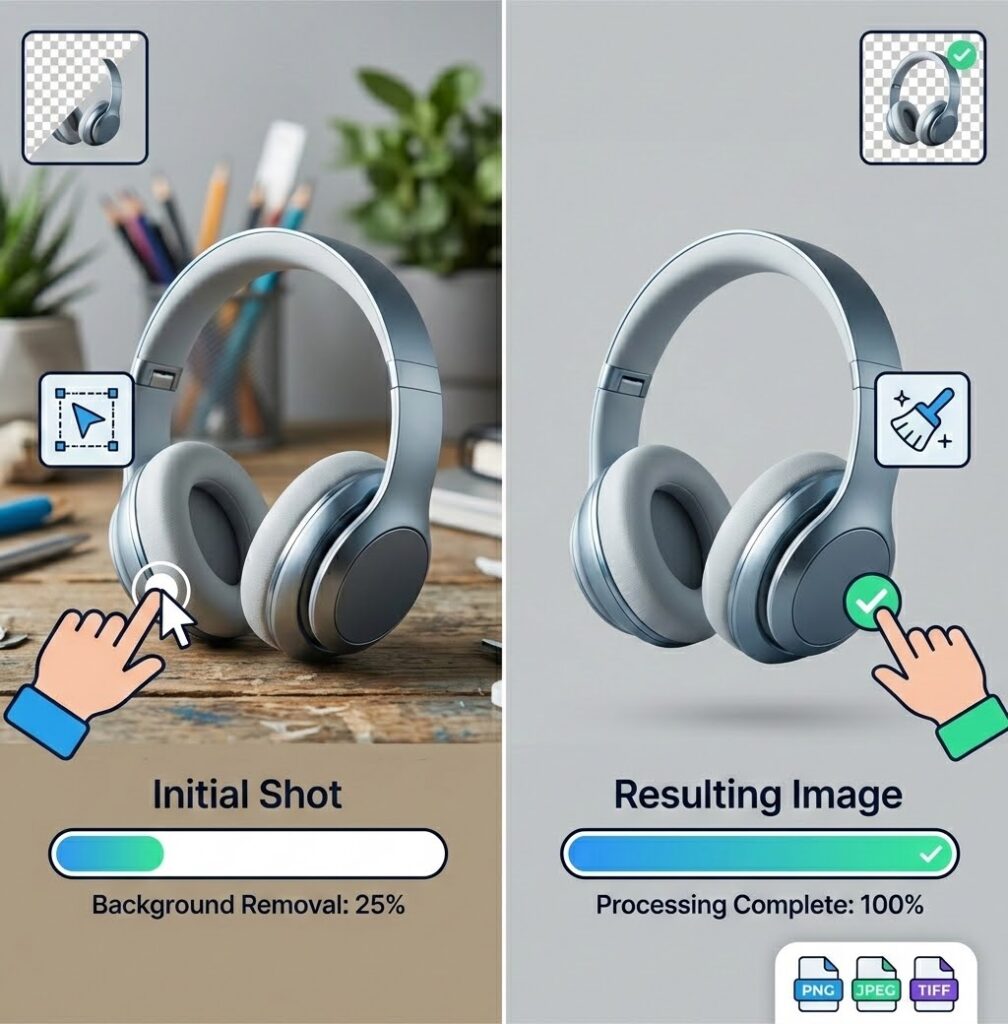
ResizeImage.io’s private AI background remover is a pure browser-side tool. It uses WebGPU to run the AI model locally. The interface is straightforward: open the page, drop your image, get your result. No signup, no credits, no uploads.
It handles standard subjects well — people, products, animals with clear outlines. Hair and fur detection is good for a free tool. After removal, you can add solid backgrounds, apply blur effects, auto-crop, or resize without leaving the page.
The limitation: it requires a desktop browser with WebGPU. Older machines and most mobile browsers won’t work. There is no manual refinement brush — if the AI misidentifies part of the image, you need to adjust the input or try again.
When to Use Server-Based Tools Instead?
Browser-side processing is not always the right answer. Server-based tools like Remove.bg offer manual refinement brushes, higher accuracy on complex subjects, and bulk API processing. If you are processing thousands of images with tricky edges and your privacy requirements are minimal, a server tool with a paid plan might be faster and more precise.
But if privacy is your priority, browser-side processing is the only honest choice.
Setting Up Your Own Browser-Side Workflow
If you want to keep images entirely on your device, here is your workflow:
- Use a browser-side background remover
- Process each image locally
- Export as PNG with transparency
- If you need a solid background, add one using a browser-side image editor (resizeimage.io/image-resizer works client-side too)
No part of this workflow requires sending your images to any server. Your data stays yours.
The Bottom Line
Server-based image processing creates privacy risks that most users do not fully understand. Every upload is a copy of your data stored somewhere you cannot control. Browser-side processing eliminates these risks entirely by keeping computation on your device.
For most users doing routine background removal, browser-side tools are fast, free, and private enough. For users with serious privacy requirements, they are the only option that actually protects your data.
The next time you need to remove a background, ask yourself: does this tool need my image to leave my computer? If the answer is yes, you should know exactly what happens to it afterward.