10 Best Free AI Background Removers in 2026
“Free” background removal is almost never free.
I tested 20 AI background removers to find out which ones actually deliver quality results without hidden catches. Most tools that call themselves free either watermark your images, limit you to preview-resolution exports, cap your daily usage, or require an account that they use to sell your data.
Only a handful are genuinely free — no signup, no watermark, full resolution, unlimited use. Here they are, ranked by actual quality in 2026.
What “Free” Actually Means in Background Removal?
Before the rankings, a quick truth-telling about how background removal tools price their “free” tiers:
Genuinely free: No signup required. No watermark. Full resolution export. Unlimited images. No trial clock. These tools exist, but they are rare.
Freemium trap: Free with a watermark, low resolution, or capped usage. These tools are marketing their paid plans through a free sample. If you need the output for actual work, you hit a paywall fast.
Account-walled free: Free but requires an account. You are not the customer — your data and email are the product. Some of these tools are decent, but nothing about them is free in the practical sense.
This post focuses on the genuinely free tools first and flags the freemium ones honestly so you know what you are actually getting.
The Truly Free Tools with No Catch!
These tools let you remove backgrounds for free — no signup, no watermark, no resolution cap, no hidden paid tier. They are rare in 2026.
1. ResizeImage.io Private Background Remover — The Only Truly Free Option
Price: Completely free. Unlimited images. No signup. No watermark. Full resolution.
Platforms: Web (desktop with WebGPU)
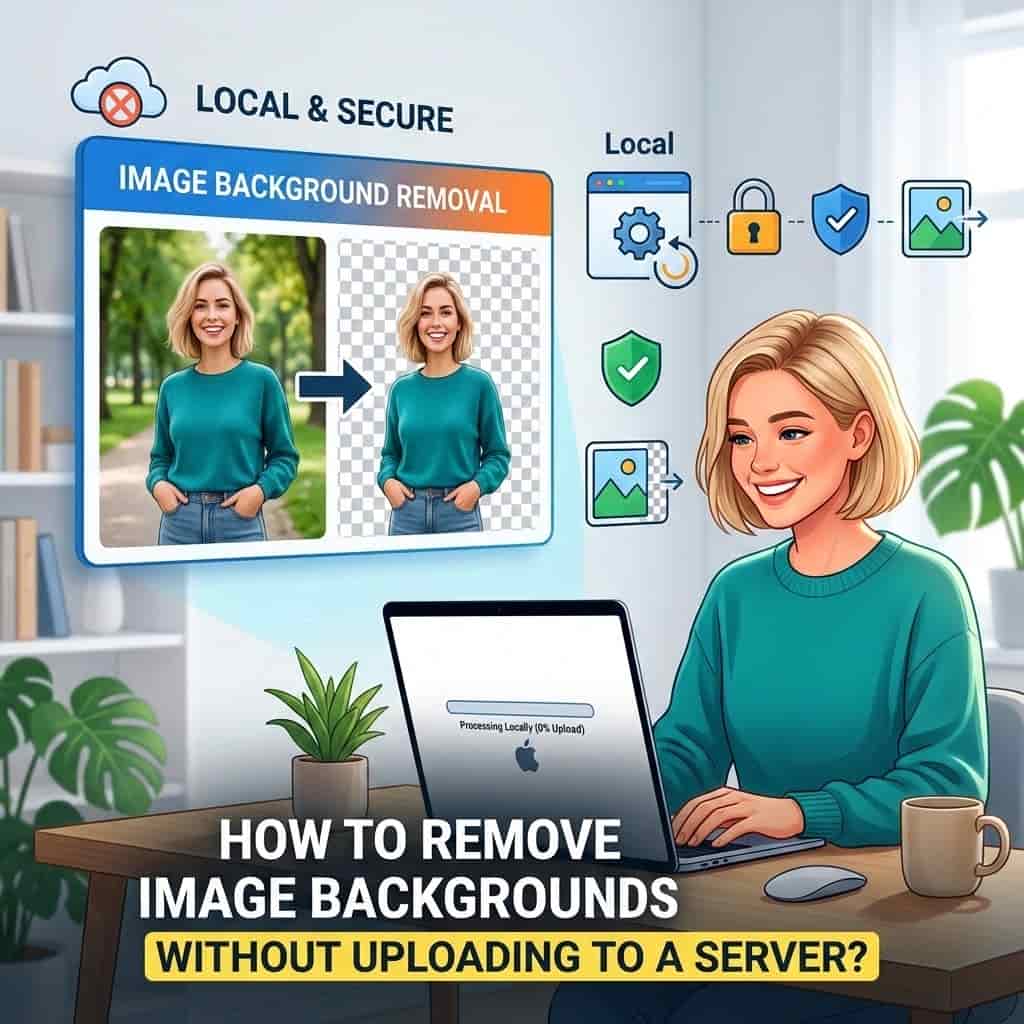
ResizeImage.io’s background remover is the only tool in this entire list that checks every box for genuinely free background removal. There is no paid tier because there is nothing to upgrade to. It processes images entirely in your browser — your photos never leave your device.
What you actually get for free:
– Full resolution output. No 625×400 preview nonsense.
– Unlimited images. No daily cap, no monthly limit.
– No watermark. The output is clean.
– No signup. Open the page, drop an image, done.
– Export as PNG with transparency or WebP.
– Built-in post-processing: add blur, solid backgrounds, auto-crop, and resize.
– Your images stay on your device. No uploads, no servers, no data collection.
The tradeoffs:
– Requires WebGPU. Works on modern Chrome, Edge and Safari. Not available on mobile browsers or older machines.
– No manual refinement. If the AI misses something, you cannot paint corrections. You adjust the input and retry.
– No API. Web-only.
If you want free background removal with zero compromises, this is your tool. There is nothing else like it.
2. Adobe Express Background Remover
Price: Free with Adobe account. Daily usage cap applies.
Platforms: Web, iOS, Android
Adobe Express offers a genuinely good background remover at no cost. The output quality is excellent — Adobe’s AI is well-trained and handles complex edges better than most free tools. You get full resolution exports and no watermark.
What holds it back from being truly free:
– Requires an Adobe account (free to create, but requires an email and password)
– Daily usage cap. Adobe does not publish the exact number, but heavy users hit a limit.
– Export format restrictions. Some formats require Premium.
It is a good tool if you already have an Adobe account or do occasional removals. It is not a tool you can rely on for daily bulk work without hitting limits.
3. Erase.bg — Simple and Free (With Limits)
Price: Free tier with daily usage cap. Paid from $5/month.
Platforms: Web
Erase.bg is a straightforward tool that delivers decent quality for simple images. The interface is minimal — upload, get a transparent PNG, download. No watermark on free exports.
The catch:
– Daily usage limit. You get a handful of free removals per day before it asks you to upgrade.
– Resolution cap on free tier. Output is limited compared to paid.
– No batch processing on free.
It works well for occasional use. If you need more than a few images per day, you hit the paywall quickly.
4. Trace by Sticker Mule
Price: Free with Sticker Mule account. No daily cap.
Platforms: Web
Trace converts images into print-ready files with background removal as part of the workflow. The quality is good, and it is genuinely free to use without caps or watermarks.
What you should know:
– Requires a Sticker Mule account
– Designed for creating sticker files — it is a funnel to their printing service
– Limited export options compared to dedicated background removers
– No batch processing
It is free and useful if you are creating sticker designs. As a general background removal tool, it is limited.
The Freemium Tools are Free for Namesake!
These tools are excellent, but their free tiers are designed to upsell you. Use them to test quality, but do not rely on them for regular free use.
5. Remove.bg — Great Tool, Preview-Only Free
Price: Free preview (low resolution, max 625×400). HD from $0.20/image.
Platforms: Web, Windows, macOS, API, Photoshop plugin
Remove.bg produces the most consistent results of any tool I tested. Its hair and edge detection is genuinely impressive. If you need one perfect cutout fast, it is hard to beat.
But the free tier is strictly a preview. You get a low-resolution, heavily compressed output. Full resolution costs credits. The cost per image is low ($0.20), but it is not free for anything you would actually use.
6. Photoroom — Watermarked Free, $9.99/month for Clean Output
Price: Free with watermark. Pro from $9.99/month.
Platforms: Web, iOS, Android
Photoroom is excellent for ecommerce product photography. It handles batch processing, offers AI retouching, and generates realistic shadows. The free tier watermarks every export. The watermark is large and placed in the center. You cannot use these images professionally.
Pro unlocks clean exports, batch processing, and higher resolution. At $9.99/month, it is reasonable for sellers, but it is not a free tool.
7. Canva Background Remover — Account Required, Capped Free Tier
Price: Free with Canva account. Pro from $13/month.
Platforms: Web, iOS, Android, Windows, macOS
Canva’s background remover is integrated into their design platform and works well. The quality is solid, and the integration with Canva’s templates is useful for social media creators.
But the free tier limits how many times you can use background removal per month. Canva does not publish the exact cap, but regular users hit it. Pro costs $13/month, which is expensive for just background removal.
8. ClipDrop by Stability AI — Limited Free, $9/month Pro
Price: Free tier with usage limits. Pro from $9/month.
Platforms: Web, iOS, Android, Windows, macOS
ClipDrop offers background removal alongside relighting, cleanup, and other AI tools. The quality is good, and the tool ecosystem is well-designed.
The free tier caps your usage. The exact limits depend on feature and image complexity. Pro is $9/month and includes commercial use rights. Without Pro, heavy usage is not practical.
9. Pixlr Background Remover — Ad-Supported Free, Premium from $7.99/month
Price: Free with ads. Premium from $7.99/month.
Platforms: Web, iOS, Android
Pixlr is a full browser-based photo editor with background removal built in. The free version shows ads, limits export resolution, and restricts some file formats. The premium plan ($7.99/month) removes these restrictions.
The background removal quality is decent for standard images. The full editor is useful if you need to do additional editing after removal.
10. BG Eraser — Mobile-First, Ad-Supported Free
Price: Free with ads. Premium from $3.99/month.
Platforms: iOS, Android, Web
BG Eraser is primarily a mobile app that works well on phones. The free tier shows ads and limits export quality. The premium subscription is relatively cheap at $3.99/month.
The web version is functional but feels like an afterthought compared to the mobile experience. Good for occasional mobile use, not for desktop workflow.
Comparison: What You Actually Get for Free
Which tools are genuinely free, and which are marketing?
| Tool | Genuinely Free? | Free Quality | Signup? | Watermark? | Daily Cap? |
|---|---|---|---|---|---|
| ResizeImage.io | Yes | Full resolution | No | No | No |
| Adobe Express | Partial | Full resolution | Yes (free) | No | Yes |
| Erase.bg | Partial | Limited | No | No | Yes |
| Trace (Sticker Mule) | Partial | Good | Yes | No | No |
| Remove.bg | No | Preview only | Optional | No | No (but useless at free tier) |
| Photoroom | No | Watermarked | Yes | Yes | No |
| Canva | No | Good (capped) | Yes | No | Yes |
| ClipDrop | No | Good | Yes | No | Yes |
| Pixlr | No | Limited | Optional | Yes | No |
| BG Eraser | No | Limited | No | No | No |
How to Choose
The decision is simpler than the list makes it seem:
If you want genuinely free background removal with no catches at all — no signup, no watermark, no caps — use ResizeImage.io. It is the only tool in this entire list that meets every definition of “free.”
If you already have a Canva Pro or Adobe account, use their built-in tools. You are already paying for them, and they work well.
If you run an ecommerce business and process hundreds of images monthly, Remove.bg or Photoroom are worth the money. Their paid plans are reasonable business expenses that save hours of work. But their free tiers are not usable for actual work.
If you need background removal once a month for personal use, do not create accounts or download apps. Use a genuinely free browser tool and save yourself the spam emails.
The Bottom Line
Most tools calling themselves “free” are selling you something. A free watermark is still a watermark. A free preview at 625 pixels is still useless. A free account is still your email on a mailing list.
In 2026, only one background removal tool is genuinely free in every sense of the word: ResizeImage.io. No signup, no watermark, no resolution cap, no daily limit, and your images never leave your device.
Everything else on this list either has a catch that makes it unusable for real work on the free tier, or is a solid paid tool that happens to offer a limited free sample.